
MANY WEBMASTERS BECOME SO FOCUSED ON KEEPING ON THE RIGHT SIDE OF THE GOOGLE SEARCH ENGINE THAT THEY FORGET ABOUT OTHER SEARCH ENGINES LIKE YAHOO AND BING
HOW TO SUBMIT A SITEMAP TO BING AND YAHOO
This can be a costly oversight because traffic is the lifeblood of a website and Google is too fickle to be relied upon completely.
Bing is one of the biggest search engines in the world and, although its indexing process takes a little longer than Google’s, it still has much to offer. Bing’s spider is better at reading flash content than its competitors, is known to correctly rank flash-based sites more accurately than any other search engine, and—unlike Google—Bing does not penalize sites that have a high keyword density. Though it is, of course, best not to cram your pages with keyword spam.
One of the best ways to ensure that Bing is aware of all your site has to offer is to submit your sitemap. This is not hard to do once you know how.
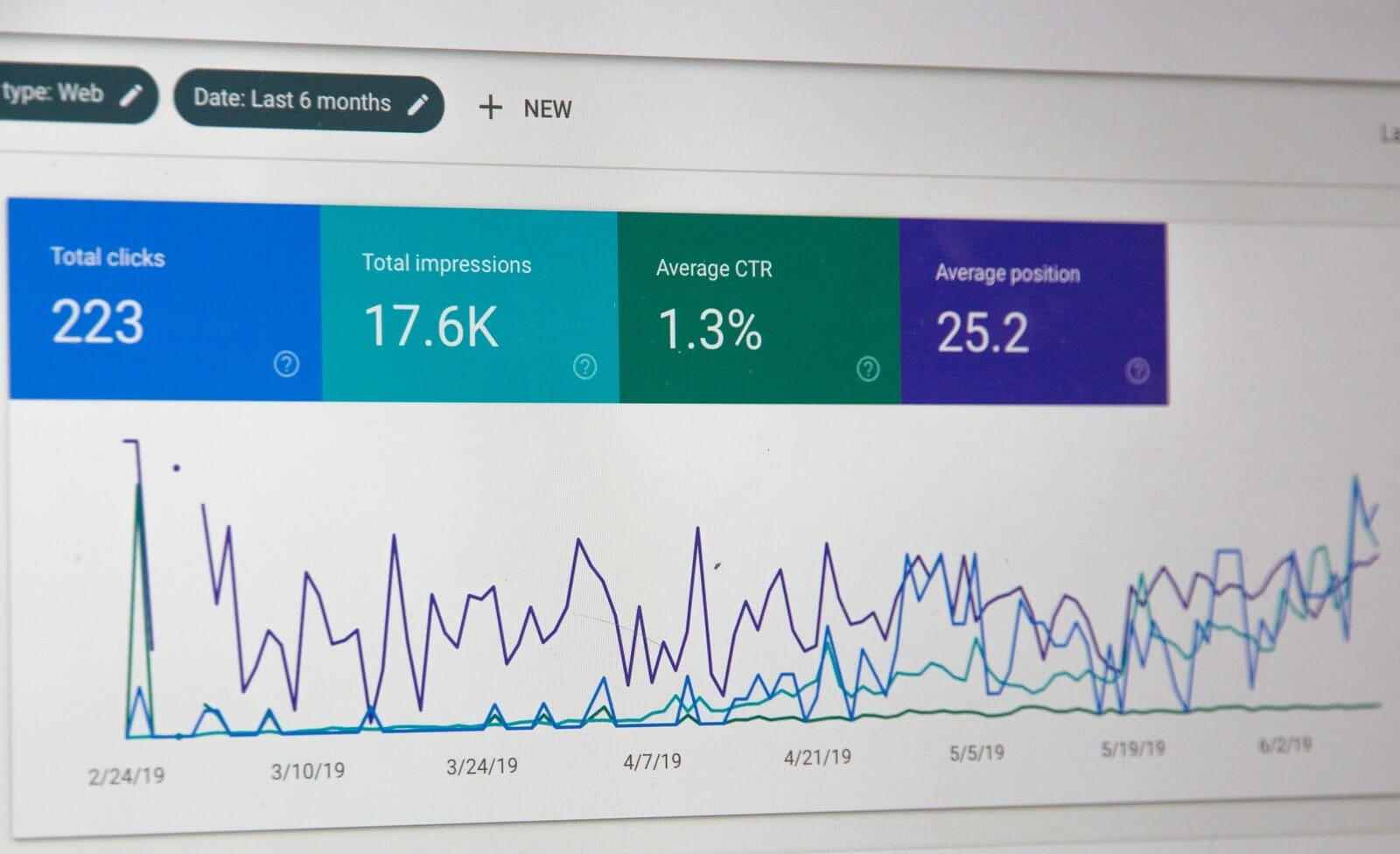
The first thing to do is register with Bing Webmaster Tools. After this you will need to verify your site and there are three ways that you can do this:
1. Place an XML file on your web server (you can download this from your Bing Webmaster Tools control panel).
2. Copy and paste a tag into your default webpage.
3. Add CNAME record to DNS.
Finally, you will need to provide Bing with the address of your sitemap.
As an added bonus, when you submit your sitemap to Bing, you may also gain some extra traffic from Yahoo because, in 2011, Yahoo merged their old Site Explorer system with Bing’s Webmaster Tools.
It took over 20 months to complete the algorithmic transition that enabled Yahoo Search to become ‘Powered by Bing’, but all their hard work has made life a lot easier for webmasters, who can now receive the benefits of extra traffic from both search engines just by following a three step process:
1. Register with Bing Webmaster Tools.
2. Verify your site.
3. Submit your sitemap.